
8 Best Framer Component Library Plugins In 2026 (61% Faster)
Building from scratch is a luxury most designers can’t afford in 2026.
After testing dozens of kits, I’ve narrowed down the top Framer component library plugins that actually deliver clean code, responsive layouts, and significant time savings.
Whether you're scaling a SaaS landing page or a sleek portfolio, these are the tools currently dominating the Framer ecosystem.
1. Framify (Top Choice)
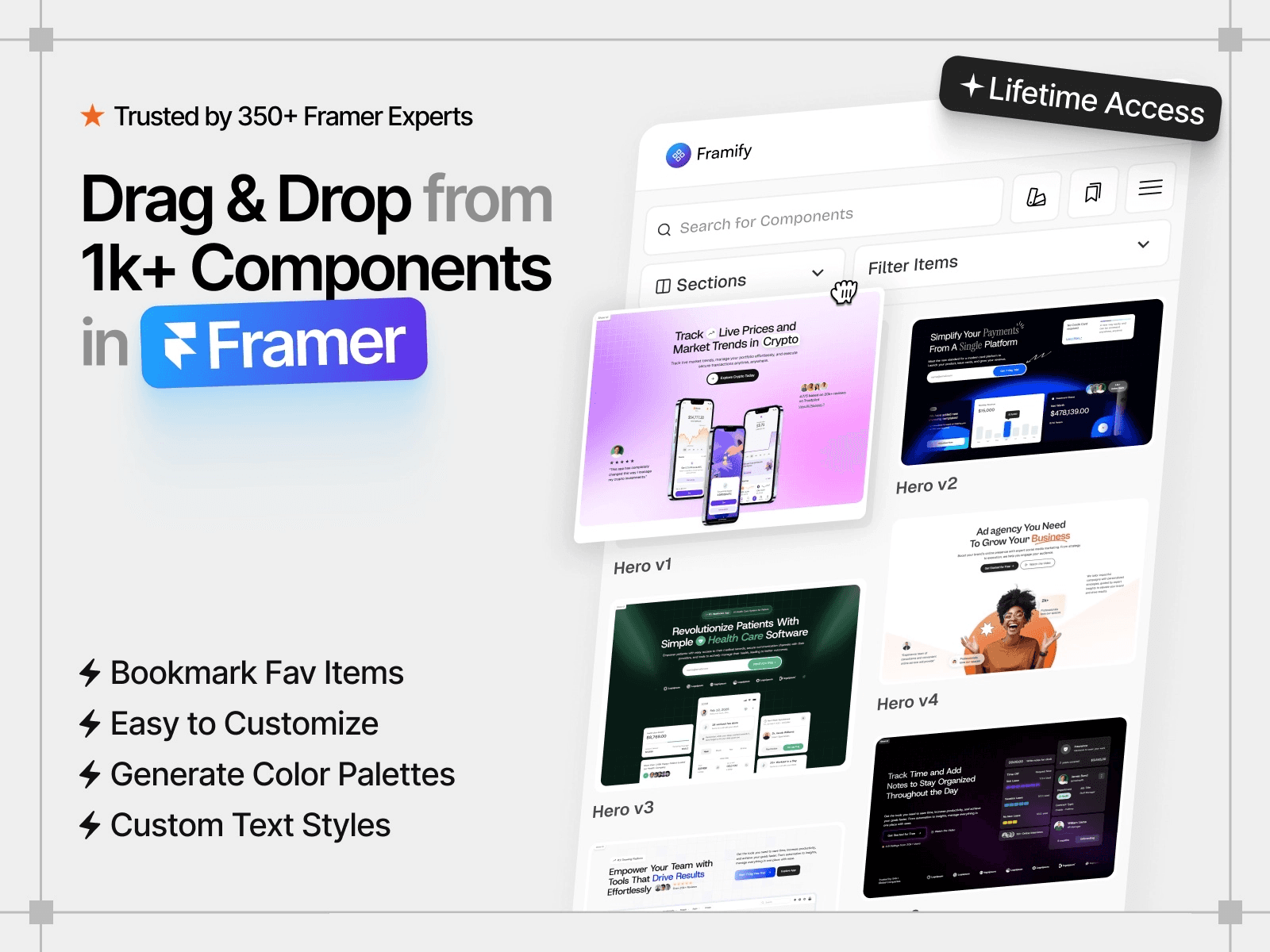
*Screenshot of Framify plugin*
Framify is the "Swiss Army Knife" of the Framer ecosystem. Instead of giving you a few basic blocks, it provides a massive infrastructure of 1,150+ sections.
It’s specifically designed for beginners and for those who want to build entire industry-standard sites (SaaS, Agency, E-commerce) in minutes rather than days.
Key Features:
1,500+ Total Assets: Includes 1,150+ pre-built sections and 180+ UI components (Modals, Navbars, and Bento Grids).
Production-Ready Kits: 100+ starter pages and 23 industry-specific templates (SaaS, E-commerce, and Agency).
Advanced Integration: Native Framer CMS support with pre-wired fields and "One-Click Insert" functionality.
Global Customization: Centralized control over variants and text styles to maintain brand consistency without manual edits.
Creator: Muhammad Talha
Users: 3.1k+
Pricing: Paid – $99 (one-time payment)
2. Frameblox
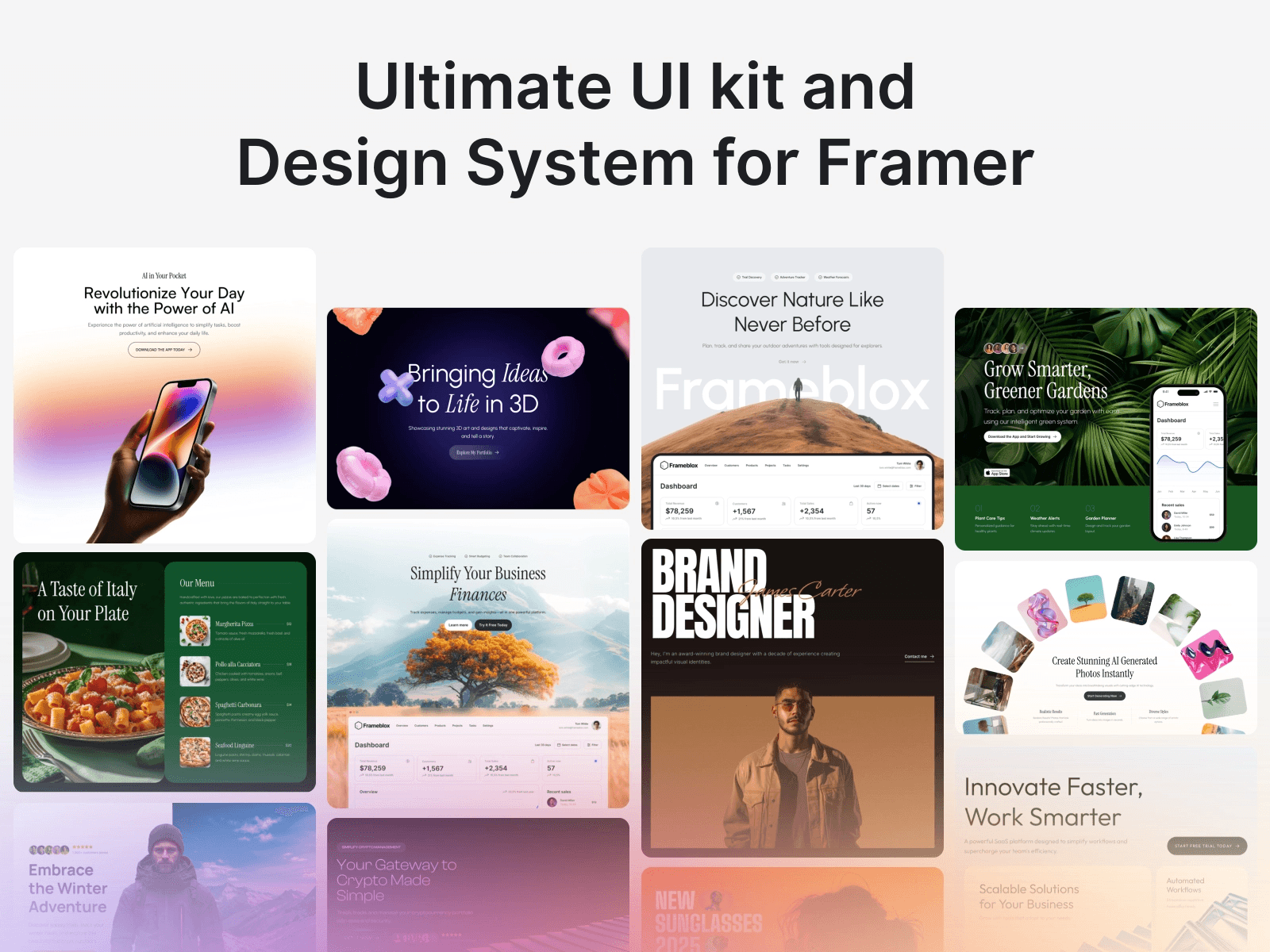
*Screenshot of Flowbase plugin*
Frameblox is a professional-grade UI kit and design system engine. Its standout feature is the Automated Style Generator, which instantly maps your brand’s global color palette and typography to any component you insert.
It effectively eliminates the "busy work" of manual styling, allowing you to move from wireframe to branded launch in a single session.
Key Features:
1,400+ Production Assets: A massive library containing 900+ high-conversion sections and 400+ modular UI components.
Brand Intelligence: Built-in color and typography generator that applies your design system automatically across all library elements.
Full-Site Architect: Includes 130+ pre-designed page templates (Landing, About, Contact) and 7+ specialized CMS structures for Blogs and Portfolios.
Interaction Ready: Every component comes pre-configured with native Framer interactions and flexible variants for buttons and cards.
Lifetime Scalability: A one-time payment model offering unlimited project use and daily component updates without recurring fees
Creator: Solt Wagner
Users: 6.9k+
Pricing: Paid – $99 (one-time payment)
3. Kompa
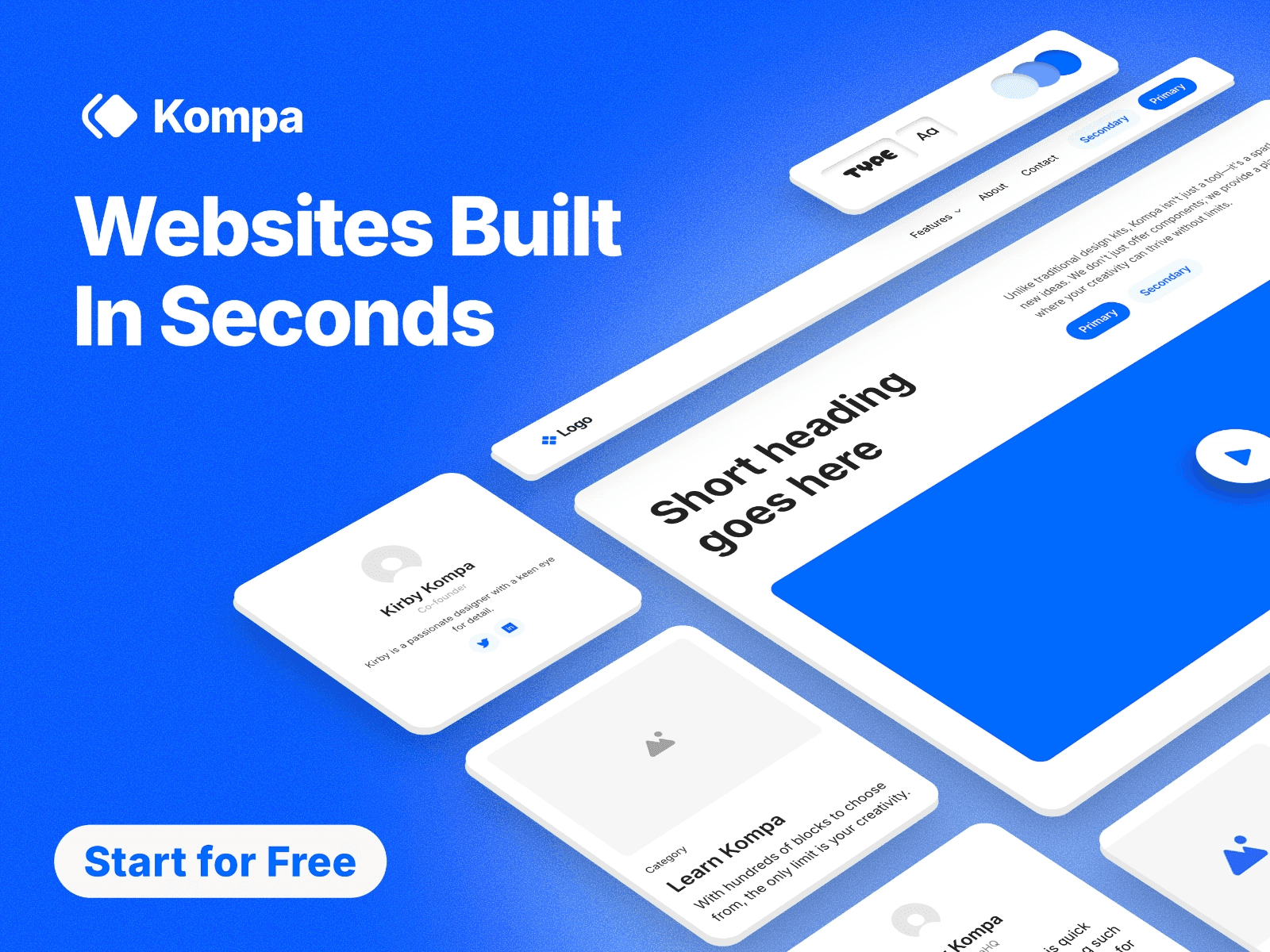
*Screenshot of Kompa plugin*
Kompa is a professional-grade design system engine built by official Framer educators. Trusted by over 6,600 designers, it eliminates repetitive "pixel-pushing" by providing a structured framework used by top agencies.
It is specifically designed for those who need to deliver clean, marketplace-standard files to clients without starting from a blank canvas every time.
Key Features:
850+ Production Components: A massive library of responsive sections and interactive UI elements pre-optimized for real-world projects.
Official Marketplace Logic: Built with naming conventions and layer structures that meet official Framer standards, perfect for template creators.
The "Weekly Drop" System: 10+ new sections are added every week to ensure your design library stays ahead of 2026 UI trends.
Adaptive Layouts: True drag-and-drop components that auto-resize across breakpoints with zero manual adjustment.
One-Time Lifetime Access: A transparent pricing model that offers all future updates for free with a single purchase.
Creator: Team Kompa
Users: 6.9k+
Pricing: Paid – $129 (one-time payment)
4. Clonify
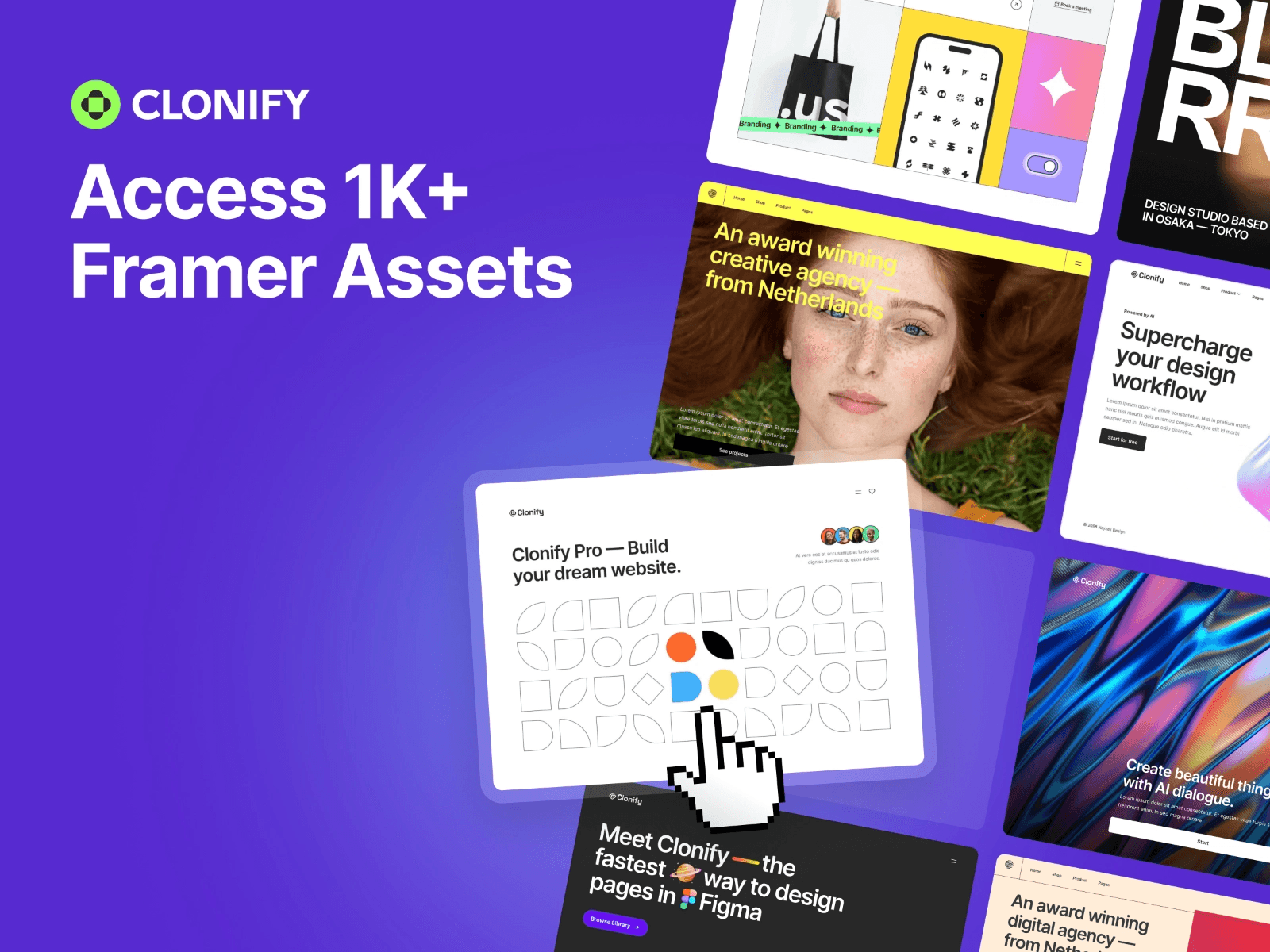
*Screenshot of Clonify plugin*
Clonify is the "productivity addict's" favorite library. It is built on a modular "Lego-brick" philosophy, allowing designers to snap complex SaaS layouts together in seconds.
While other libraries focus on generic aesthetic blocks, Clonify specializes in high-conversion SaaS patterns, think sophisticated pricing toggles, data-rich feature grids, and complex sidebar navigations. It is the bridge for teams who need to move fast without losing UI clarity or Task Flow efficiency.
Key Features:
1,380+ Asset Ecosystem: A massive, ever-growing collection of 1,000+ sections and wireframes, plus 380+ interactive UI elements.
SaaS Architecture: Deep focus on dashboard-ready components, including data tables, user profile cards, and multi-state navigation systems.
Dual-Platform Sync: Every section is available for both Framer and Figma, allowing you to move from high-fidelity prototyping to live publishing with zero friction.
Launch-Ready Templates: Includes access to premium, functional templates (like Okio and Growza) with pre-configured CMS logic and animations.
UX Integrity: Layouts are optimized based on Nielsen Norman Group clarity standards, ensuring that "speed" doesn't come at the cost of usability.
Creator: Clonify
Users: 2.5k+
Pricing: Paid – $129 (yearly)
5. Grayblocks
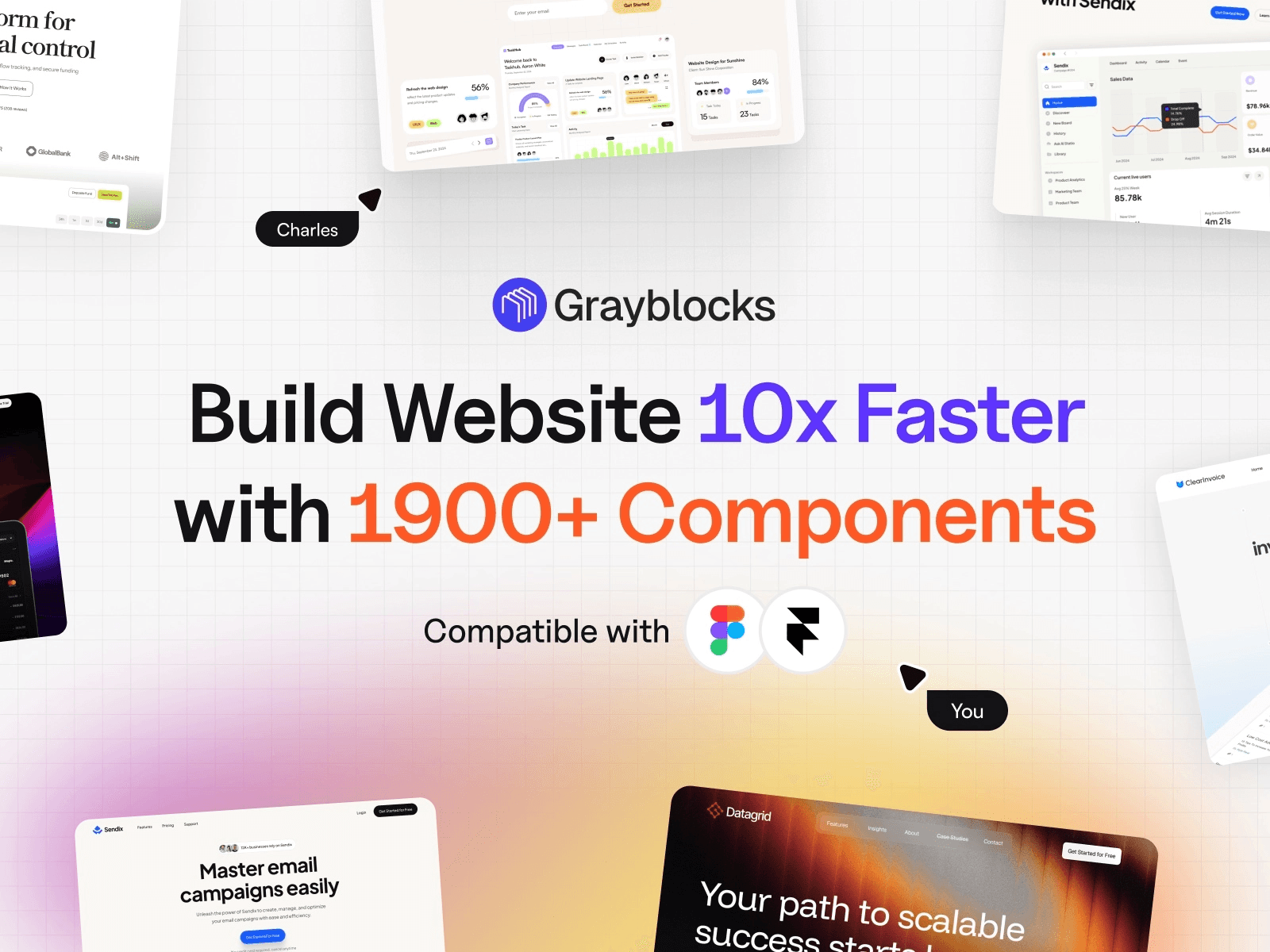
*Screenshot of Grayblocks plugin*
GrayBlocks is the largest cross-platform asset hub for the modern design stack. It is specifically built for designers who work between Figma and Framer, offering a "one-click" design-to-publish workflow.
Its 2026 philosophy balances extreme speed with creative freedom, following Google Material Design 3 principles to ensure every block provides high-quality tactile feedback and accessibility out of the box.
Key Features:
4,200+ Assets: The most expansive library on this list, featuring thousands of sections for Figma, Framer, and Webflow.
Figma-to-Framer Bridge: Includes 150+ premium Figma templates as a bonus, allowing for seamless transition from design to live Framer project.
Micro-Interaction Ready: Every block is pre-configured with advanced hover states, smooth transitions, and interaction-ready structures that follow Page Experience standards.
Guaranteed Weekly Drops: A strict update schedule ensures new premium components are added every 7 days to keep your designs aligned with 2026 UI trends.
Commercial Freedom: A "Creator License" option allows designers to build and resell their own Framer templates using GrayBlocks assets.
Creator: Framerbite
Users: 2.7k+
Pricing: Paid – $59 (one-time payment)
6. Flowbase
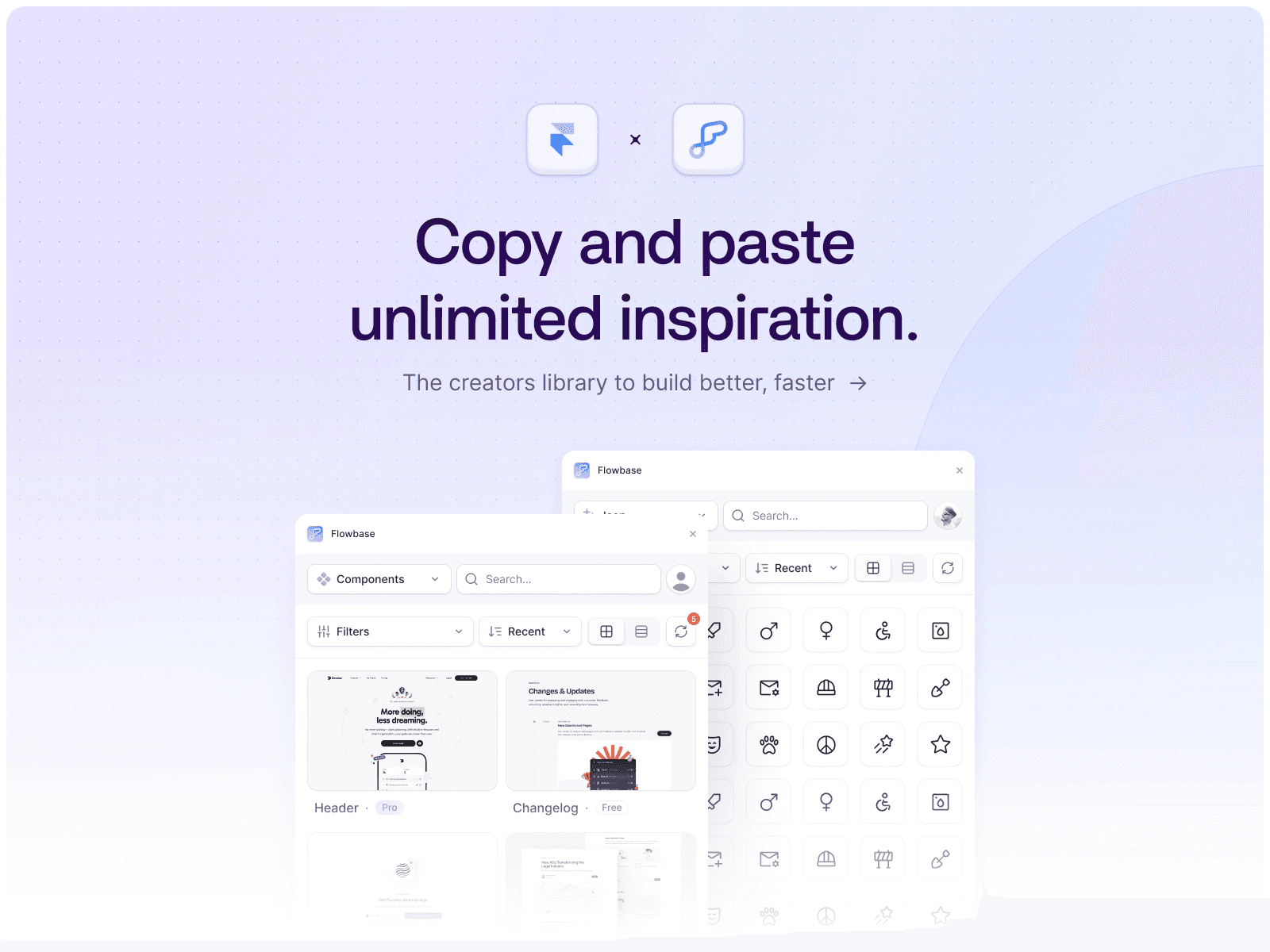
*Screenshot of Flowbase plugin*
Flowbase is the world's largest premium ecosystem for cross-platform designers. It is the gold standard for marketing and conversion-focused design, providing a bridge between Figma ideation and Framer execution.
While other libraries offer blocks, Flowbase provides a full creative toolkit, including specialized "Boosters" (code components) that add advanced functionality like carousels and countdowns without you writing a single line of code.
Key Features:
4,600+ Multi-Platform Assets: Access a massive library of 3,500+ premium components and 1,100+ "Chalk" wireframes, all synced across Figma and Framer.
Native Asset Engine: Integrated access to 15,000+ open-source SVG icons and 1,000+ customizable vector illustrations directly inside the Framer canvas.
Conversion-First "Boosters": Exclusive code components designed for SaaS marketing, including interactive pricing toggles, tooltips, and high-engagement CTAs.
Hybrid Workflow: Start with low-fidelity wireframes and swap to production-ready UI blocks in seconds using their "One-Click Insert" system.
Freemium Entry: A generous free plan with 100+ essential assets, with a Pro upgrade for unlimited access to the full 2026 library.
Creator: Flowbase
Users: 700+
Pricing: Free and Paid – $39 (monthly)
7. Eleveight Supply
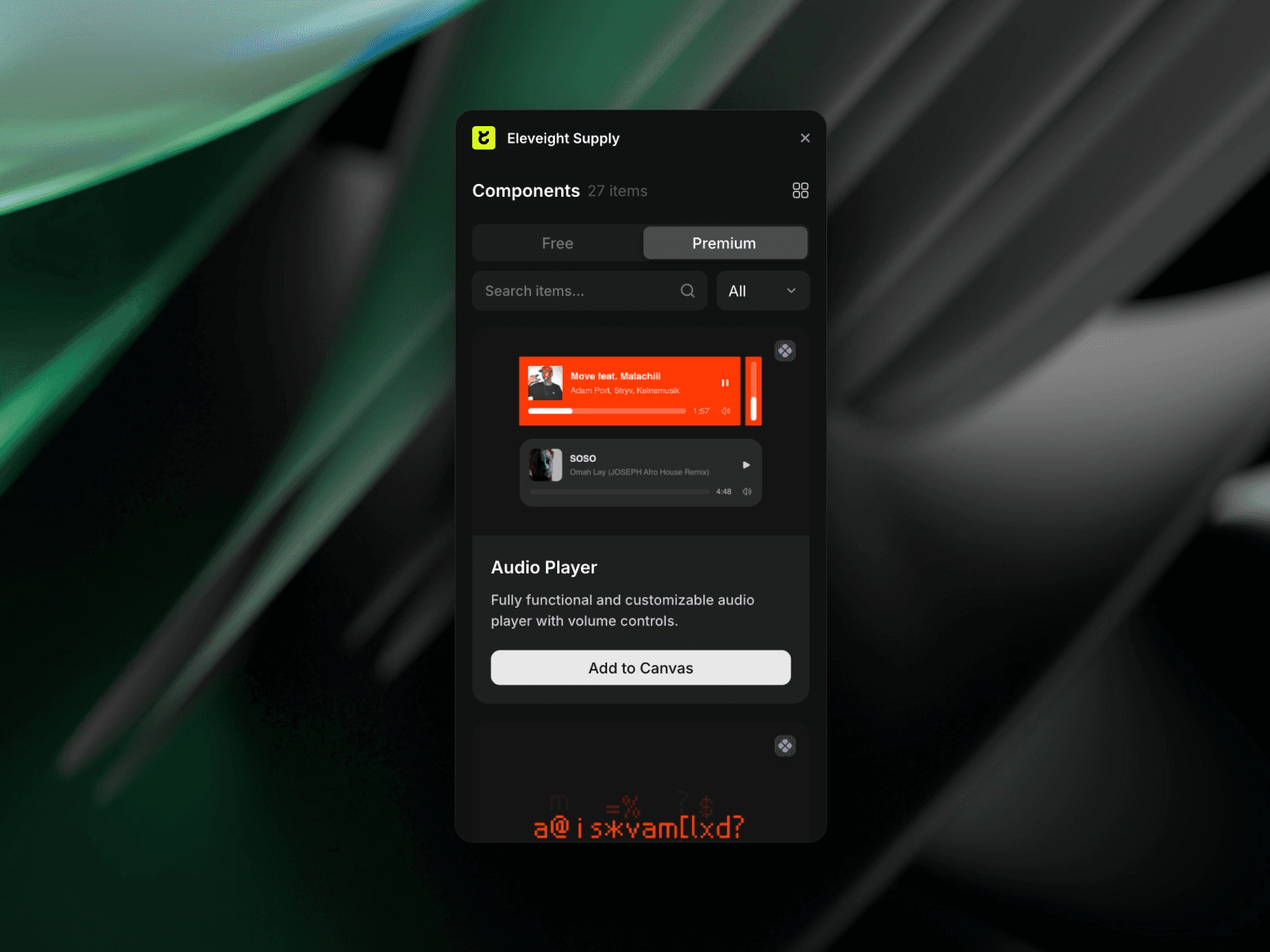
*Screenshot of Elevent.supply plugin*
Eleveight Supply is a curated power pack for those who find Framer’s native tools too limiting. It focuses on Code Overrides and Components, which are essentially "cheat codes" for your website. Instead of just static blocks, it gives you functional elements like custom audio players and sophisticated scroll reveals that usually require a developer to build.
Key Features:
Premium Logic Hub: A specialized library of code components including Audio Players, Image Trails, Edge Glows, and Smooth Counters.
Advanced Overrides: Includes "Word Scroll Reveals" and "Text Truncate" logic to handle complex typography effects that native Framer can't do alone.
Effortless Integration: Every component is designed for "drag-and-drop" use but includes advanced property controls for deep customization.
2026 Performance Standards: Optimized for speed and quality, ensuring that adding complex code effects doesn't drag down your Google PageSpeed scores.
Creator: Fabian Albert
Users: 2.7k+
Pricing: Paid – $93 (one-time payment)
Try Elevent Supply for Framer ↗
8. Grit UI
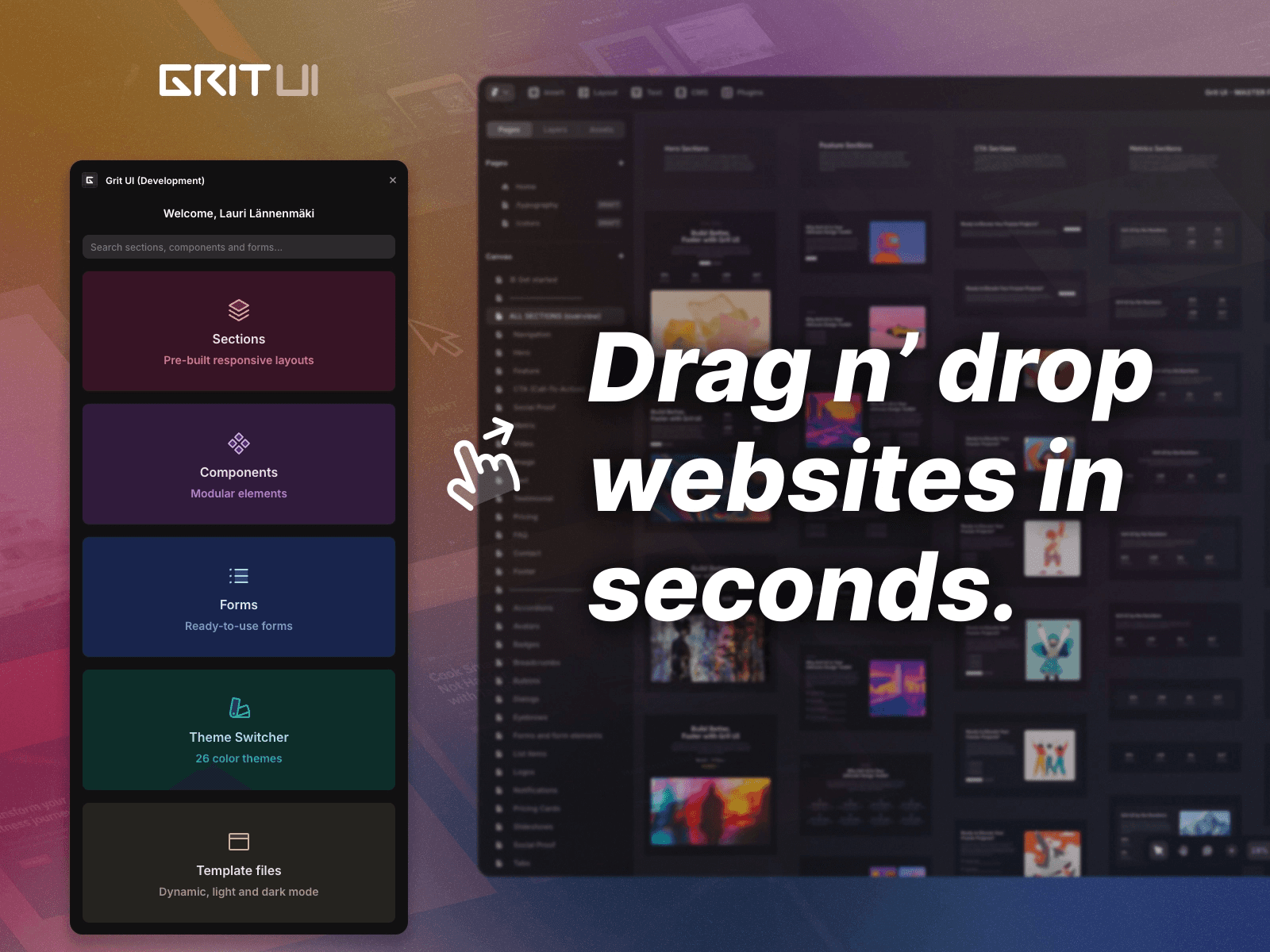
*Screenshot of Grit UI plugin*
Grit UI is built for the "clean aesthetic" professional. Its standout 2026 feature is the Radix-Based Theme Switcher, which allows you to swap the entire color palette of your site across 26 distinct, accessible themes with a single click.
It is widely considered the best kit for blogs, portfolios, and text-heavy marketing sites because it prioritizes layout performance and "atomic" design consistency.
Key Features:
400+ Responsive Sections: A curated collection of 200+ production-ready sections (Heroes, FAQ, Social Proof) and over 80+ smart components.
26 Dynamic Color Themes: Instant theme-switching powered by Radix Colors, ensuring high accessibility (WCAG compliant) and professional color ramps for both Light and Dark modes.
Native Framer Form Integration: Pre-styled contact and signup forms that are 100% compatible with Framer’s native form backend for zero-config lead collection.
"Detachable" Workflow: Unlike rigid kits, Grit UI allows you to detach layers for total canvas control while maintaining the underlying theme variables.
Performance First: Lightweight architecture designed to pass Google Page Experience audits with zero bloat or unnecessary code.
Creator: Lauri Lännenmäki
Users: 2.1k+
Pricing: $79 (one-time payment)
Case Study: Slashing Time-to-Market by 61% Using These Framer Plugins
In 2026, capital efficiency is the goal. We conducted a head-to-head sprint comparing a "Manual Build" versus a "System-First Build" for a standard B2B SaaS landing page (20+ unique sections). The goal was to measure how much "design debt" we could eliminate by using premium library assets.
The Setup
Project Scope: A high-conversion SaaS landing page including a feature grid, pricing toggle, and CMS-driven blog.
The Problem: Manual builds required 18+ hours of styling, breakpoint adjustment, and interaction wiring.
The Solution: Implementing a centralized library (e.g., Flowbase or Framify) to handle the structural "heavy lifting."
The Results (Comparison Data)
Build Metric | Manual Design | Plugin-Driven Build | Improvement |
Total Build Time | 18 Hours | 7 Hours | 61% Reduction |
Mobile Optimization | 4 Hours | 45 Minutes | Fast-Tracked |
Update Velocity | 2 Hours/Change | Instant (Global Sync) | Infinite Gain |
Visual Equity | Inconsistent | High (System-Linked) | Professional |
Why the Plugins Won?
Elimination of "Double Work": Instead of styling 15 buttons individually, we used shared variants. Updating the "Master" button in the library synced the entire project instantly.
Pre-Wired Interactions: Components from libraries like Crafta and Eleveight came with hover states and scroll-transforms already baked in, saving 3+ hours of micro-interaction work.
Breakpoint Intelligence: Libraries like Grit UI provided layouts that were pre-tested for 2026 mobile viewport standards, removing the need for manual "pixel-pushing" on tablet and mobile.
Summary
The "manual-only" era of web design has ended. In 2026, the most successful designers aren't those who build every pixel from scratch, but those who orchestrate systems. Using the nine plugins listed above, you can transform a 20-hour project into a 7-hour sprint without losing an ounce of creative quality.
The 2026 "Best-in-Class"
To help you decide which one to use first? Here is our final breakdown:
The Heavyweight Champion: Framify. If you need thousands of sections to cover every possible industry, these are your "never-look-anywhere-else" libraries.
The Marketing Specialist: Flowbase. For those needing high-conversion "Boosters" (code components) like functional countdowns and interactive SaaS pricing.
The Branding Master: Frameblox. If you want to automate your design system, their Auto-Style Generator is the fastest way to brand a site.
The Performance Expert: Grit UI. Best for clean, lightning-fast sites that need to pass every Google Core Web Vitals audit with ease.
The Developer's Edge: Eleveight Supply. Perfect for adding complex "Code Overrides" like image trails and custom audio players without writing code.
Building from scratch is a luxury most designers can’t afford in 2026.
After testing dozens of kits, I’ve narrowed down the top Framer component library plugins that actually deliver clean code, responsive layouts, and significant time savings.
Whether you're scaling a SaaS landing page or a sleek portfolio, these are the tools currently dominating the Framer ecosystem.
1. Framify (Top Choice)
*Screenshot of Framify plugin*
Framify is the "Swiss Army Knife" of the Framer ecosystem. Instead of giving you a few basic blocks, it provides a massive infrastructure of 1,150+ sections.
It’s specifically designed for beginners and for those who want to build entire industry-standard sites (SaaS, Agency, E-commerce) in minutes rather than days.
Key Features:
1,500+ Total Assets: Includes 1,150+ pre-built sections and 180+ UI components (Modals, Navbars, and Bento Grids).
Production-Ready Kits: 100+ starter pages and 23 industry-specific templates (SaaS, E-commerce, and Agency).
Advanced Integration: Native Framer CMS support with pre-wired fields and "One-Click Insert" functionality.
Global Customization: Centralized control over variants and text styles to maintain brand consistency without manual edits.
Creator: Muhammad Talha
Users: 3.1k+
Pricing: Paid – $99 (one-time payment)
2. Frameblox
*Screenshot of Flowbase plugin*
Frameblox is a professional-grade UI kit and design system engine. Its standout feature is the Automated Style Generator, which instantly maps your brand’s global color palette and typography to any component you insert.
It effectively eliminates the "busy work" of manual styling, allowing you to move from wireframe to branded launch in a single session.
Key Features:
1,400+ Production Assets: A massive library containing 900+ high-conversion sections and 400+ modular UI components.
Brand Intelligence: Built-in color and typography generator that applies your design system automatically across all library elements.
Full-Site Architect: Includes 130+ pre-designed page templates (Landing, About, Contact) and 7+ specialized CMS structures for Blogs and Portfolios.
Interaction Ready: Every component comes pre-configured with native Framer interactions and flexible variants for buttons and cards.
Lifetime Scalability: A one-time payment model offering unlimited project use and daily component updates without recurring fees
Creator: Solt Wagner
Users: 6.9k+
Pricing: Paid – $99 (one-time payment)
3. Kompa
*Screenshot of Kompa plugin*
Kompa is a professional-grade design system engine built by official Framer educators. Trusted by over 6,600 designers, it eliminates repetitive "pixel-pushing" by providing a structured framework used by top agencies.
It is specifically designed for those who need to deliver clean, marketplace-standard files to clients without starting from a blank canvas every time.
Key Features:
850+ Production Components: A massive library of responsive sections and interactive UI elements pre-optimized for real-world projects.
Official Marketplace Logic: Built with naming conventions and layer structures that meet official Framer standards, perfect for template creators.
The "Weekly Drop" System: 10+ new sections are added every week to ensure your design library stays ahead of 2026 UI trends.
Adaptive Layouts: True drag-and-drop components that auto-resize across breakpoints with zero manual adjustment.
One-Time Lifetime Access: A transparent pricing model that offers all future updates for free with a single purchase.
Creator: Team Kompa
Users: 6.9k+
Pricing: Paid – $129 (one-time payment)
4. Clonify
*Screenshot of Clonify plugin*
Clonify is the "productivity addict's" favorite library. It is built on a modular "Lego-brick" philosophy, allowing designers to snap complex SaaS layouts together in seconds.
While other libraries focus on generic aesthetic blocks, Clonify specializes in high-conversion SaaS patterns, think sophisticated pricing toggles, data-rich feature grids, and complex sidebar navigations. It is the bridge for teams who need to move fast without losing UI clarity or Task Flow efficiency.
Key Features:
1,380+ Asset Ecosystem: A massive, ever-growing collection of 1,000+ sections and wireframes, plus 380+ interactive UI elements.
SaaS Architecture: Deep focus on dashboard-ready components, including data tables, user profile cards, and multi-state navigation systems.
Dual-Platform Sync: Every section is available for both Framer and Figma, allowing you to move from high-fidelity prototyping to live publishing with zero friction.
Launch-Ready Templates: Includes access to premium, functional templates (like Okio and Growza) with pre-configured CMS logic and animations.
UX Integrity: Layouts are optimized based on Nielsen Norman Group clarity standards, ensuring that "speed" doesn't come at the cost of usability.
Creator: Clonify
Users: 2.5k+
Pricing: Paid – $129 (yearly)
5. Grayblocks
*Screenshot of Grayblocks plugin*
GrayBlocks is the largest cross-platform asset hub for the modern design stack. It is specifically built for designers who work between Figma and Framer, offering a "one-click" design-to-publish workflow.
Its 2026 philosophy balances extreme speed with creative freedom, following Google Material Design 3 principles to ensure every block provides high-quality tactile feedback and accessibility out of the box.
Key Features:
4,200+ Assets: The most expansive library on this list, featuring thousands of sections for Figma, Framer, and Webflow.
Figma-to-Framer Bridge: Includes 150+ premium Figma templates as a bonus, allowing for seamless transition from design to live Framer project.
Micro-Interaction Ready: Every block is pre-configured with advanced hover states, smooth transitions, and interaction-ready structures that follow Page Experience standards.
Guaranteed Weekly Drops: A strict update schedule ensures new premium components are added every 7 days to keep your designs aligned with 2026 UI trends.
Commercial Freedom: A "Creator License" option allows designers to build and resell their own Framer templates using GrayBlocks assets.
Creator: Framerbite
Users: 2.7k+
Pricing: Paid – $59 (one-time payment)
6. Flowbase
*Screenshot of Flowbase plugin*
Flowbase is the world's largest premium ecosystem for cross-platform designers. It is the gold standard for marketing and conversion-focused design, providing a bridge between Figma ideation and Framer execution.
While other libraries offer blocks, Flowbase provides a full creative toolkit, including specialized "Boosters" (code components) that add advanced functionality like carousels and countdowns without you writing a single line of code.
Key Features:
4,600+ Multi-Platform Assets: Access a massive library of 3,500+ premium components and 1,100+ "Chalk" wireframes, all synced across Figma and Framer.
Native Asset Engine: Integrated access to 15,000+ open-source SVG icons and 1,000+ customizable vector illustrations directly inside the Framer canvas.
Conversion-First "Boosters": Exclusive code components designed for SaaS marketing, including interactive pricing toggles, tooltips, and high-engagement CTAs.
Hybrid Workflow: Start with low-fidelity wireframes and swap to production-ready UI blocks in seconds using their "One-Click Insert" system.
Freemium Entry: A generous free plan with 100+ essential assets, with a Pro upgrade for unlimited access to the full 2026 library.
Creator: Flowbase
Users: 700+
Pricing: Free and Paid – $39 (monthly)
7. Eleveight Supply
*Screenshot of Elevent.supply plugin*
Eleveight Supply is a curated power pack for those who find Framer’s native tools too limiting. It focuses on Code Overrides and Components, which are essentially "cheat codes" for your website. Instead of just static blocks, it gives you functional elements like custom audio players and sophisticated scroll reveals that usually require a developer to build.
Key Features:
Premium Logic Hub: A specialized library of code components including Audio Players, Image Trails, Edge Glows, and Smooth Counters.
Advanced Overrides: Includes "Word Scroll Reveals" and "Text Truncate" logic to handle complex typography effects that native Framer can't do alone.
Effortless Integration: Every component is designed for "drag-and-drop" use but includes advanced property controls for deep customization.
2026 Performance Standards: Optimized for speed and quality, ensuring that adding complex code effects doesn't drag down your Google PageSpeed scores.
Creator: Fabian Albert
Users: 2.7k+
Pricing: Paid – $93 (one-time payment)
Try Elevent Supply for Framer ↗
8. Grit UI
*Screenshot of Grit UI plugin*
Grit UI is built for the "clean aesthetic" professional. Its standout 2026 feature is the Radix-Based Theme Switcher, which allows you to swap the entire color palette of your site across 26 distinct, accessible themes with a single click.
It is widely considered the best kit for blogs, portfolios, and text-heavy marketing sites because it prioritizes layout performance and "atomic" design consistency.
Key Features:
400+ Responsive Sections: A curated collection of 200+ production-ready sections (Heroes, FAQ, Social Proof) and over 80+ smart components.
26 Dynamic Color Themes: Instant theme-switching powered by Radix Colors, ensuring high accessibility (WCAG compliant) and professional color ramps for both Light and Dark modes.
Native Framer Form Integration: Pre-styled contact and signup forms that are 100% compatible with Framer’s native form backend for zero-config lead collection.
"Detachable" Workflow: Unlike rigid kits, Grit UI allows you to detach layers for total canvas control while maintaining the underlying theme variables.
Performance First: Lightweight architecture designed to pass Google Page Experience audits with zero bloat or unnecessary code.
Creator: Lauri Lännenmäki
Users: 2.1k+
Pricing: $79 (one-time payment)
Case Study: Slashing Time-to-Market by 61% Using These Framer Plugins
In 2026, capital efficiency is the goal. We conducted a head-to-head sprint comparing a "Manual Build" versus a "System-First Build" for a standard B2B SaaS landing page (20+ unique sections). The goal was to measure how much "design debt" we could eliminate by using premium library assets.
The Setup
Project Scope: A high-conversion SaaS landing page including a feature grid, pricing toggle, and CMS-driven blog.
The Problem: Manual builds required 18+ hours of styling, breakpoint adjustment, and interaction wiring.
The Solution: Implementing a centralized library (e.g., Flowbase or Framify) to handle the structural "heavy lifting."
The Results (Comparison Data)
Build Metric | Manual Design | Plugin-Driven Build | Improvement |
Total Build Time | 18 Hours | 7 Hours | 61% Reduction |
Mobile Optimization | 4 Hours | 45 Minutes | Fast-Tracked |
Update Velocity | 2 Hours/Change | Instant (Global Sync) | Infinite Gain |
Visual Equity | Inconsistent | High (System-Linked) | Professional |
Why the Plugins Won?
Elimination of "Double Work": Instead of styling 15 buttons individually, we used shared variants. Updating the "Master" button in the library synced the entire project instantly.
Pre-Wired Interactions: Components from libraries like Crafta and Eleveight came with hover states and scroll-transforms already baked in, saving 3+ hours of micro-interaction work.
Breakpoint Intelligence: Libraries like Grit UI provided layouts that were pre-tested for 2026 mobile viewport standards, removing the need for manual "pixel-pushing" on tablet and mobile.
Summary
The "manual-only" era of web design has ended. In 2026, the most successful designers aren't those who build every pixel from scratch, but those who orchestrate systems. Using the nine plugins listed above, you can transform a 20-hour project into a 7-hour sprint without losing an ounce of creative quality.
The 2026 "Best-in-Class"
To help you decide which one to use first? Here is our final breakdown:
The Heavyweight Champion: Framify. If you need thousands of sections to cover every possible industry, these are your "never-look-anywhere-else" libraries.
The Marketing Specialist: Flowbase. For those needing high-conversion "Boosters" (code components) like functional countdowns and interactive SaaS pricing.
The Branding Master: Frameblox. If you want to automate your design system, their Auto-Style Generator is the fastest way to brand a site.
The Performance Expert: Grit UI. Best for clean, lightning-fast sites that need to pass every Google Core Web Vitals audit with ease.
The Developer's Edge: Eleveight Supply. Perfect for adding complex "Code Overrides" like image trails and custom audio players without writing code.
FAQs
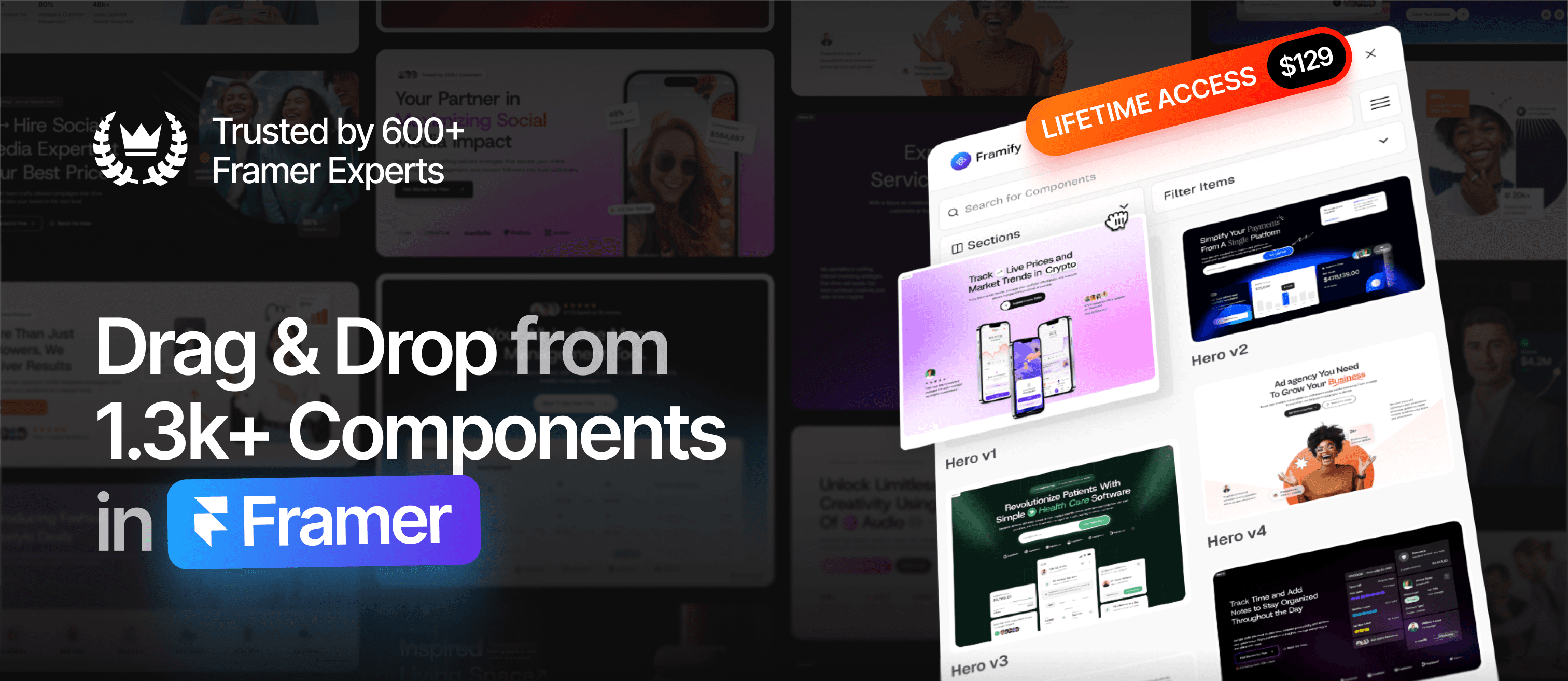
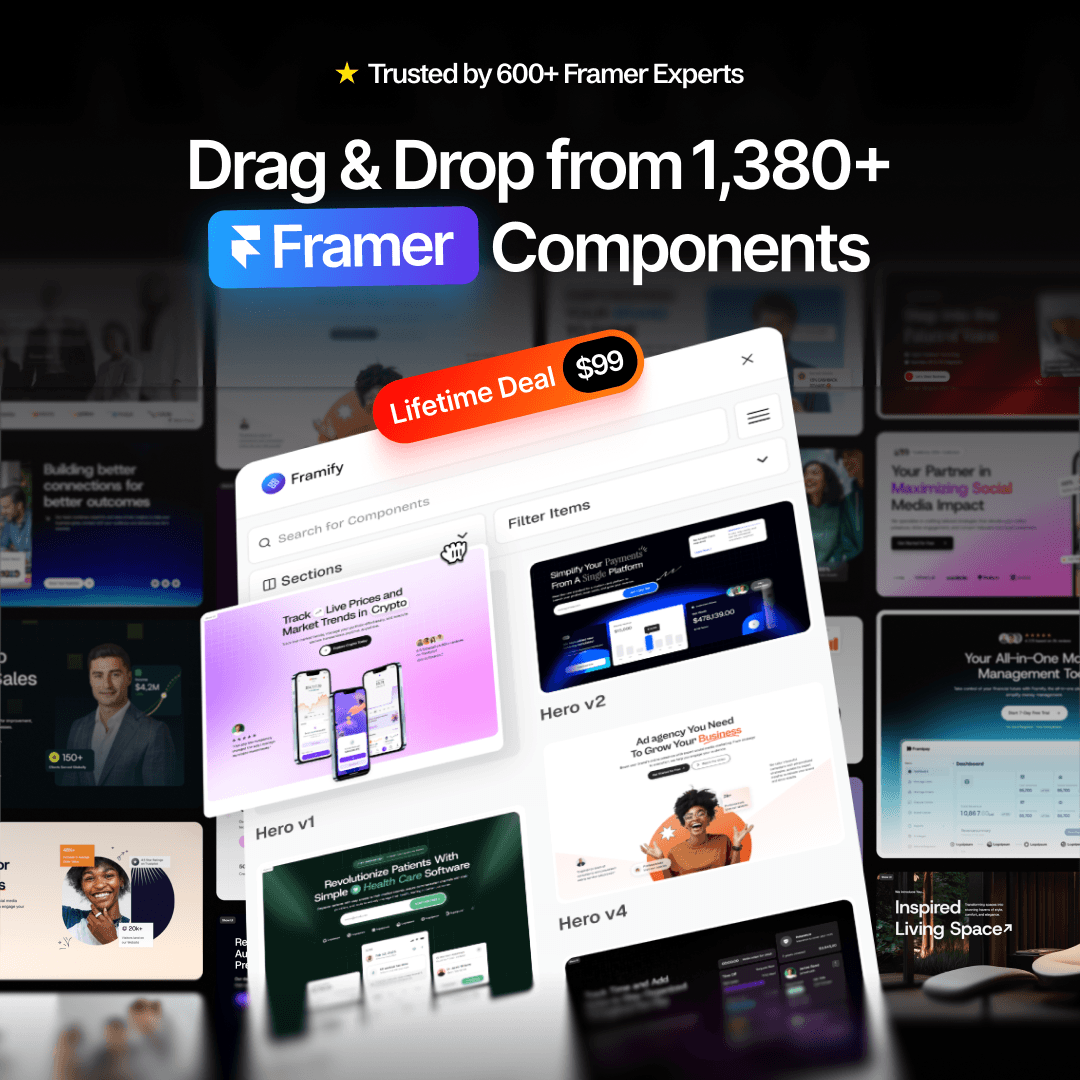
If you want to build websites even faster, check out Framify, a Framer Component Library that streamlines your workflow and helps you create dynamic sites in no time. Explore, create, and sell your own templates with confidence using the best tools and resources Framer offers.
Related Posts:
More Articles
Templates
12 Best Framer Agency Templates for High-Conversion in 2026
Looking for the best Framer agency templates? Discover 12 high-conversion designs for 2026, featuring Brandigo, Mugen, and Fortex to scale your agency fast.
Muhammad Talha
Apr 14, 2026

Resources
11 Best Website Inspiration Sites for High-End Design (2026)
Stop staring at a blank canvas. Explore 11 hand-picked galleries for pro UI/UX inspiration, from Godly to Awwwards. Level up your design game today.
Muhammad Talha
Mar 4, 2026
Plugin
4 Best Framer Membership Plugins in 2026
Top 4 Framer membership plugins for gated content, subscriptions, secure login, user roles, and recurring revenue with no-code setup.
Muhammad Talha
Mar 4, 2026
Plugin
5 Best Framer E-Commerce Plugins in 2026 (Sell 61% Faster)
Top 5 Framer e-commerce plugins with Shopify sync, fast checkout, live product updates, no-code setup, secure payments, carts & instant product integration.
Muhammad Talha
Feb 2, 2026